How to Evaluate WhatsApp API Providers in the UAE: A Practical Demo Checklist
Yedukrishnan
Project Implementation Manager, NXTAA Technologies
Expert reviewer: Greejo John, Co-Founder & COO
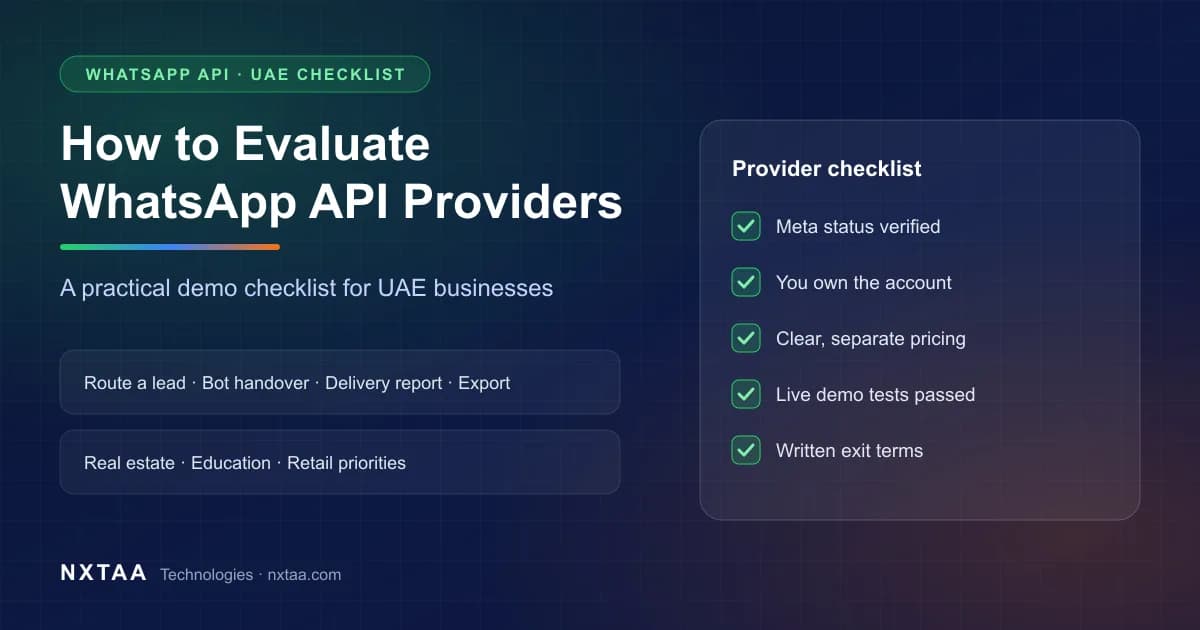
To evaluate WhatsApp API providers in the UAE, check four things before features: official Meta access, your ownership of the number and business account, clear pricing, and a workable exit. Then run four live tests in the demo: route a lead, hand a chatbot chat to an agent, read a delivery report and export sample data. What you see in the demo counts for more than what the sales slides say.
Key Takeaways
- Use the WhatsApp Business App for one or two people; move to the API when a team, automation or integrations are involved
- Meta sets the rules on approval, templates, messaging limits and per-message charges; the provider runs the platform, support and setup
- Your WhatsApp Business Account should sit in your own Meta Business portfolio, with your team as admins
- Ask for one-time, recurring and Meta charges as separate lines in writing
- Test the provider with your own leads, your own FAQs and your own data, not their demo script
- No provider can guarantee delivery, account approval or a verified badge, because Meta decides those
When Does Your Business Need the WhatsApp Business API?
The free WhatsApp Business App works well for a small shop where one or two people answer chats on a phone. It starts to struggle once several people need the same number, or you want automation and reporting.
| WhatsApp Business App | WhatsApp Business API | |
|---|---|---|
| Users | A phone plus a few linked devices | Many agents in a shared inbox |
| Automation | Quick replies and greeting messages | Chatbots, workflows and AI with human handover |
| Integrations | Very limited | CRM, e-commerce, booking and custom systems |
| Campaigns | Broadcast lists to saved contacts | Approved templates to opted-in contacts, with reporting |
| Cost | Free app | Provider platform fee plus Meta's per-message charges |
If several people answer chats, leads go missing, or you need reports for management, the API is usually the right step. Meta also lets some businesses use the app and the API on the same number ("coexistence"), with limits, so ask whether that suits you. Our guide on how to register for the WhatsApp Business API explains the setup.
Who Does What: Meta vs Your Provider
Many evaluation mistakes start with confusion over who controls what.
| Meta controls | Your provider controls |
|---|---|
| Business verification and display name review | The inbox, chatbot builder and campaign tools |
| Template review and categories | Onboarding, training and day-to-day support |
| Messaging limits and quality ratings | Integrations with your CRM and other systems |
| Per-message charges by category and country | Platform pricing, seats and add-ons |
| Policy enforcement and account restrictions | Help with appeals and fixing issues |
So when a provider promises "guaranteed approval" or "no ban risk", treat it as a warning. Those decisions belong to Meta.
The Provider Selection Checklist
I've sat through a lot of vendor demos with clients. The ones that went wrong later usually looked fine on features. The problems were in the details nobody asked about. These twelve checks cover those details.
1. Official API access and verifiable Meta status. Ask whether they are a Meta Solution Partner, a Tech Provider or a reseller of another partner. All three can work, but you should know who actually connects you to Meta. Ask for evidence and check it yourself.
2. Ownership and admin access. Your WhatsApp Business Account and phone number should sit in your own Meta Business portfolio, with your people as admins. Ask to see this in Meta Business Settings during onboarding.
3. Clear setup, subscription and messaging charges. You need one-time fees, recurring platform fees and Meta's charges shown separately. Our breakdown of what makes up a WhatsApp Business API bill in the UAE shows each line.
4. Shared inbox, assignment and team access. Check conversation assignment, round-robin or rule-based routing, internal notes, role permissions and what happens when an agent is offline. Our comparison of a shared team inbox vs personal WhatsApp phones explains why this matters.
5. Campaign tools, templates and reporting. Look for template management, audience segments, scheduling and reports showing sent, delivered, read, failed and replied, with failure reasons.
6. Chatbots, AI and human handover. Ask how the bot passes a chat to a person, and whether the agent sees the full history. Our guide to chatbot-to-human handover best practices covers what good looks like.
7. CRM and other integrations. List the systems you need: CRM, e-commerce, booking, ERP. Ask which are native connectors, which need custom work, and who maintains them.
8. UAE support hours, onboarding and training. Confirm support hours in UAE time, response times, escalation contacts and what onboarding and training include.
9. Arabic and English. If your customers write in Arabic, test right-to-left templates, mixed Arabic-English messages and Arabic bot replies. Our guide to Arabic AI chatbots on WhatsApp has a testing method.
10. Data handling, access controls and export. Ask where data is stored, who can see it, how access is logged, and how you export contacts, conversations and reports. Opt-in records matter too. See our guide to UAE PDPL consent for WhatsApp marketing.
11. Migration, cancellation and exit support. Ask about notice periods, data export on exit and how your number would move if you leave. Meta's documentation notes that moving a number between accounts isn't supported on its newer account model, so get the exit plan in writing.
12. Capacity for your expected volume. Meta sets messaging limits at the business portfolio level. New accounts start at 250 recipients a day and can scale up to 2,000, 10,000, 100,000 and unlimited. Ask how the provider will help you scale safely, and whether the platform handles your peak campaign volume.
For a scored version of these checks and a real lock-in story, read our guide on how to choose a WhatsApp Business solution provider in Dubai.
Questions to Ask During a Demo, and Four Tests to Run
A demo shows you what the provider has prepared. To see how the platform handles your work, bring your own material and ask them to run these four tests live.
| Test | How to run it | What good looks like |
|---|---|---|
| Route a lead | Send a WhatsApp enquiry from your phone, as a customer would | It reaches the right agent or team automatically, with source and notes, and appears in your CRM if integrated |
| Bot-to-agent handover | Start a chat with the bot, then ask for a person | The agent sees the full chat history and the customer isn't asked to repeat details |
| Delivery report | Ask to see a recent campaign report | Sent, delivered, read and failed counts, with failure reasons per message |
| Export sample data | Ask them to export contacts, a conversation and a report | Clean CSV or similar files, done in minutes, without a support ticket |
Questions to ask alongside the tests:
- Who will be our admin in Meta Business Settings?
- What happens to our templates, contacts and chat history if we cancel?
- How do you help when Meta restricts a number or rejects a template?
- What are your support hours and response times in UAE time?
- Which of the features shown are included in the plan we're quoting on?
Looking back at evaluations that went smoothly, the common factor was simple: the client tested with real leads and real questions. The polished demos that skipped these tests were the ones that caused trouble three months later.
Shortlisting providers now? Book a demo with NXTAA and bring your own test lead, FAQ list and CRM requirements.
Understanding the Full Cost
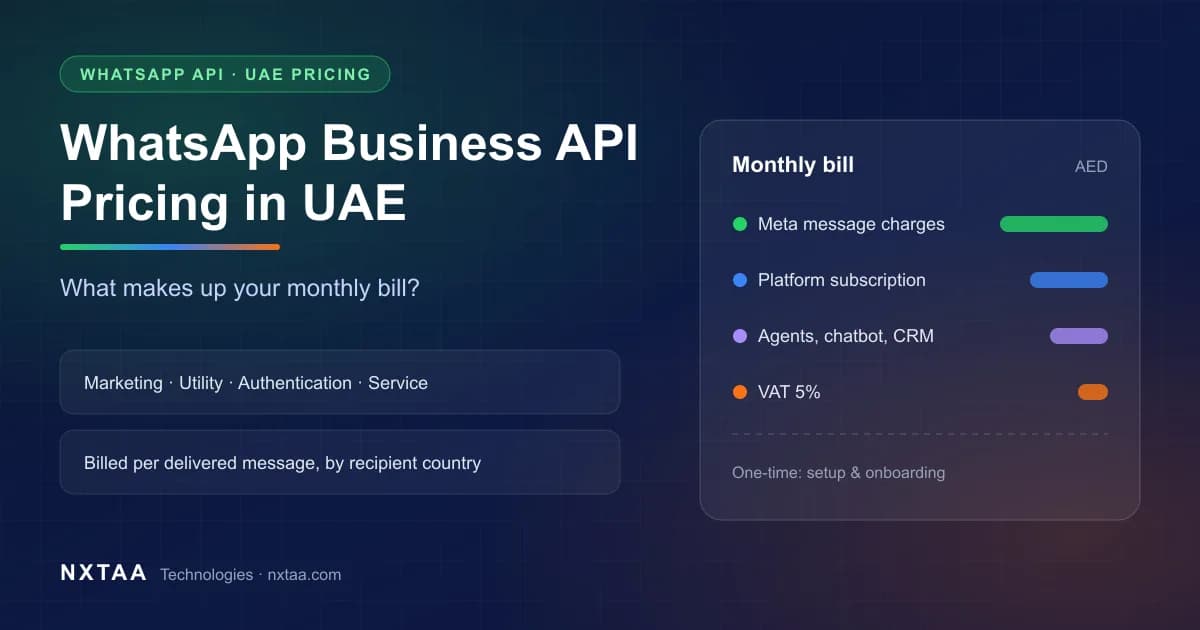
Separate every quote into four parts:
- Setup fees (one-time): number connection, verification support, templates, initial flows and training
- Platform fees (recurring): monthly or annual subscription, usually based on seats and features
- Meta charges (usage-based): per delivered message, by category and the recipient's country
- Optional extras: extra agents, chatbot or AI usage, CRM integrations, additional numbers, premium support
Prices vary widely, so don't compare headline plan prices alone. The pricing guide linked in check 3 includes two worked monthly budgets.
Warning Signs to Investigate
- Unclear account ownership: the provider creates the account in its own portfolio, or won't give you admin access
- Hidden charges: Meta's fees are folded into "credits" or "packages" with no breakdown
- Unsupported guarantees: promises of guaranteed delivery, approval, a green tick or "no ban risk"
- Unofficial messaging methods: browser extensions, "bulk sender" tools or modified apps instead of the official API. These put your number at risk. Our guide to sending bulk WhatsApp messages safely explains why.
- No written exit terms: no clear answer on data export or notice periods
- Vague support: no named contact, no UAE hours, no response times
Provider Comparison Worksheet
Use this worksheet in every demo, with the same questions for every provider. Fill in the notes column during the call.
| Evaluation point | Question to ask | Evidence to request | Your notes |
|---|---|---|---|
| Meta status | Are you a Solution Partner, Tech Provider or reseller? | Partner listing or written confirmation | |
| Account ownership | Will the account sit in our Meta Business portfolio? | Screenshot of admin access after setup | |
| Pricing | What are setup, platform and Meta charges? | Written quote with separate lines | |
| Shared inbox | How are chats assigned and transferred? | Live routing test | |
| Campaigns and reports | What does a campaign report show? | Sample delivery report | |
| Chatbot and handover | How does the bot hand over to an agent? | Live handover test | |
| Integrations | Which of our systems connect natively? | List of connectors; scope for custom work | |
| Support | What are your hours and response times? | Support terms or service level document | |
| Arabic | Can you handle Arabic templates and replies? | Live Arabic test with our content | |
| Data and export | How do we export contacts, chats and reports? | Live export test | |
| Exit terms | What happens if we cancel? | Contract clause on notice and exit | |
| Capacity | How will you help us scale messaging limits? | Onboarding plan for our expected volume |
As you fill it in, you'll usually see a pattern. One or two providers answer with evidence, and the rest answer with assurances.
Three Illustrative UAE Business Scenarios
These are typical patterns, not specific clients. They show how priorities change by industry.
Real estate agency managing sales enquiries
Leads arrive from portals, ads and the website, often outside office hours. Speed and ownership matter most.
Prioritise: lead routing to the right agent, CRM integration, assignment rules, a bot that qualifies budget and area before handover, and management reports on response time. Our guide to WhatsApp lead ownership covers the workflow.
Education institute handling admissions
Enquiries peak around intakes. Parents ask the same questions, often in Arabic and English.
Prioritise: a bilingual FAQ bot, clean handover to admissions staff, utility templates for application updates and reminders, and opt-in records for marketing.
Retailer running campaigns and customer support
Campaigns and support share one number, so volume swings sharply around promotions.
Prioritise: campaign tools with segmentation and delivery reports, e-commerce integration for order updates, a shared inbox that copes with post-campaign reply spikes, and capacity planning for messaging limits.
How NXTAA Can Help
NXTAA Technologies is a WhatsApp Business API provider in Dubai working with UAE businesses. Our platform includes a shared team inbox with conversation assignment, broadcast campaigns with audience segmentation, AI chatbots, and reporting on delivery and read rates. We provide integrations with CRMs such as Zoho, HubSpot, Salesforce and Microsoft Dynamics, and e-commerce platforms such as Shopify and WooCommerce.
We'll run the four demo tests with your own leads and content, explain each cost line, and show you where your account sits in Meta Business Settings.
Looking for a WhatsApp Business API provider in Dubai? Contact NXTAA Technologies to discuss your requirements and request a tailored demo.
Related Reading
- How to choose a WhatsApp Business solution provider in Dubai
- WhatsApp Business API pricing in the UAE
- Chatbot-to-human agent handover best practices
- WhatsApp Business API services from NXTAA
FAQ
How do I check whether a WhatsApp API provider is official? Ask whether they are a Meta Solution Partner, a Tech Provider or a reseller, and request evidence you can verify. Also confirm the WhatsApp Business Account will sit in your own Meta Business portfolio.
Can I keep my existing WhatsApp number when moving to the API? Often yes. Meta supports moving a WhatsApp Business App number to the API, and in some cases using both on the same number, with limits. Your provider should confirm what applies to your number before you start.
Can a provider guarantee approval or a verified badge? No. Meta reviews business verification, display names, templates and badge eligibility. A provider can help you prepare, but it can't promise the outcome.
What should I test in a WhatsApp API provider demo? Route a real lead, hand a chatbot chat to an agent, review a delivery report and export sample data. Use your own content, not the provider's demo script.
Do WhatsApp API providers in the UAE support Arabic? Many do, but quality varies. Test Arabic templates, mixed Arabic-English messages and bot replies with your own customers' wording during the demo.